How to Write Your First C++ Program Using Dev-C++
We have already downloaded Dev-C++. This article explains how to write your first C++ program using Dev-C++.
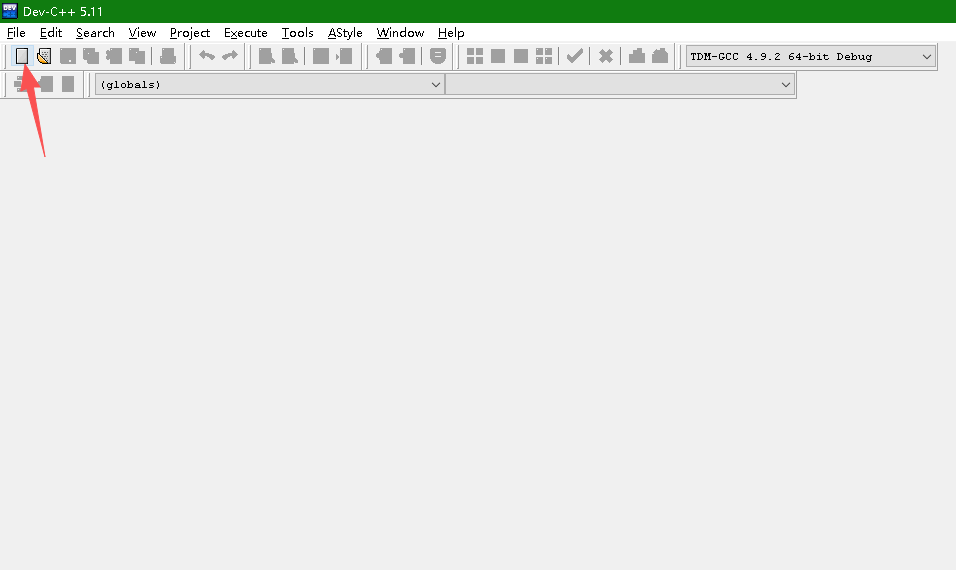
Click the "New" icon on the left side with your mouse
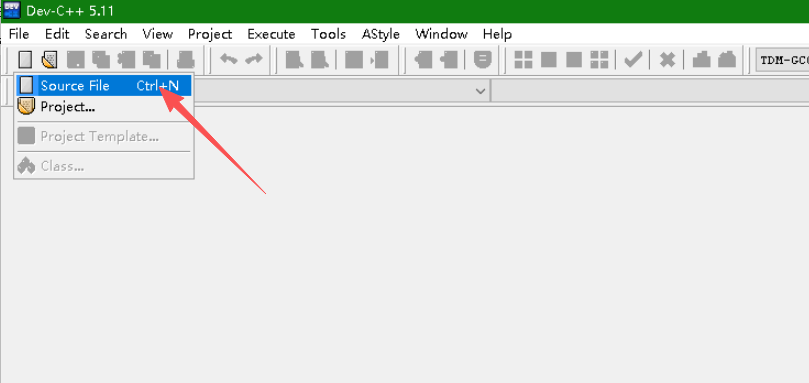
After clicking, select "Source File".
Then, we write the following code in it.
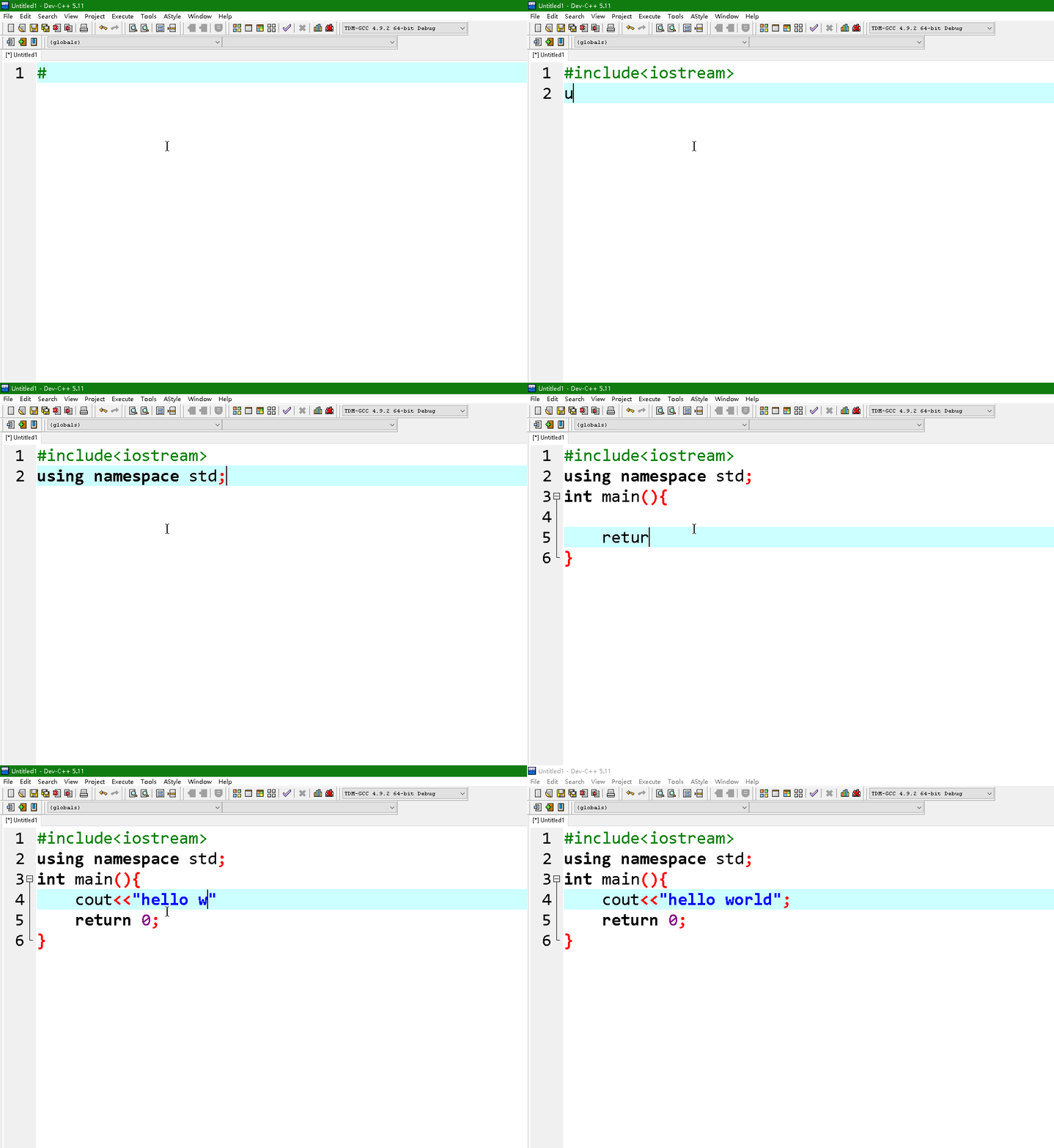
#include<iostream>
using namespace std;
int main(){
	cout<<"hello world";
	return 0;
}
Then click the "Compile" option. If the program hasn't been saved yet, you need to save it first.
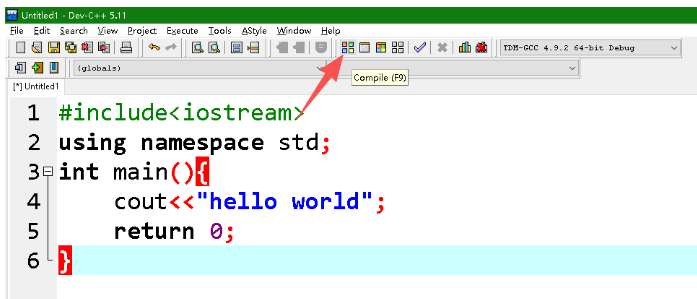
After compilation, the following content will be displayed.
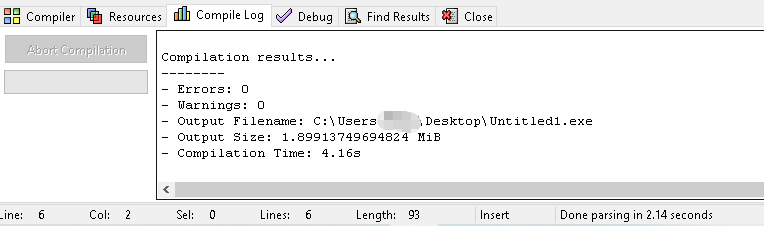
Then click the "Run" option.
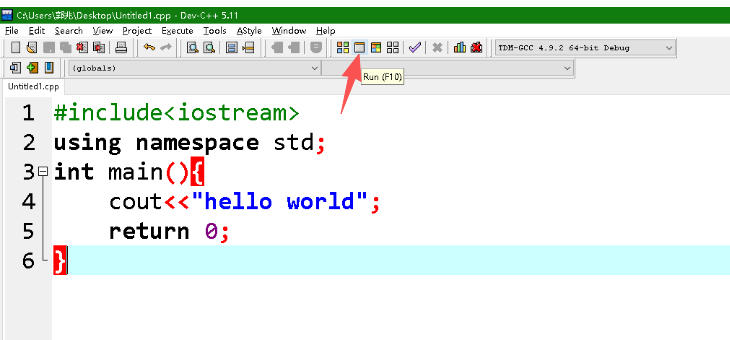
At this point, you can see that the program has run successfully.
