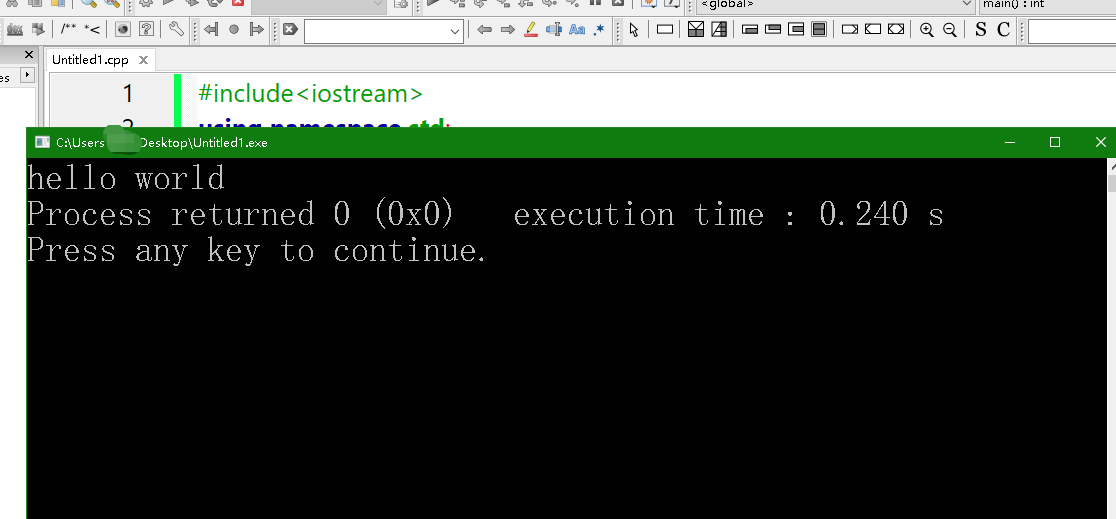
How to Write C++ Code Using Code::Blocks
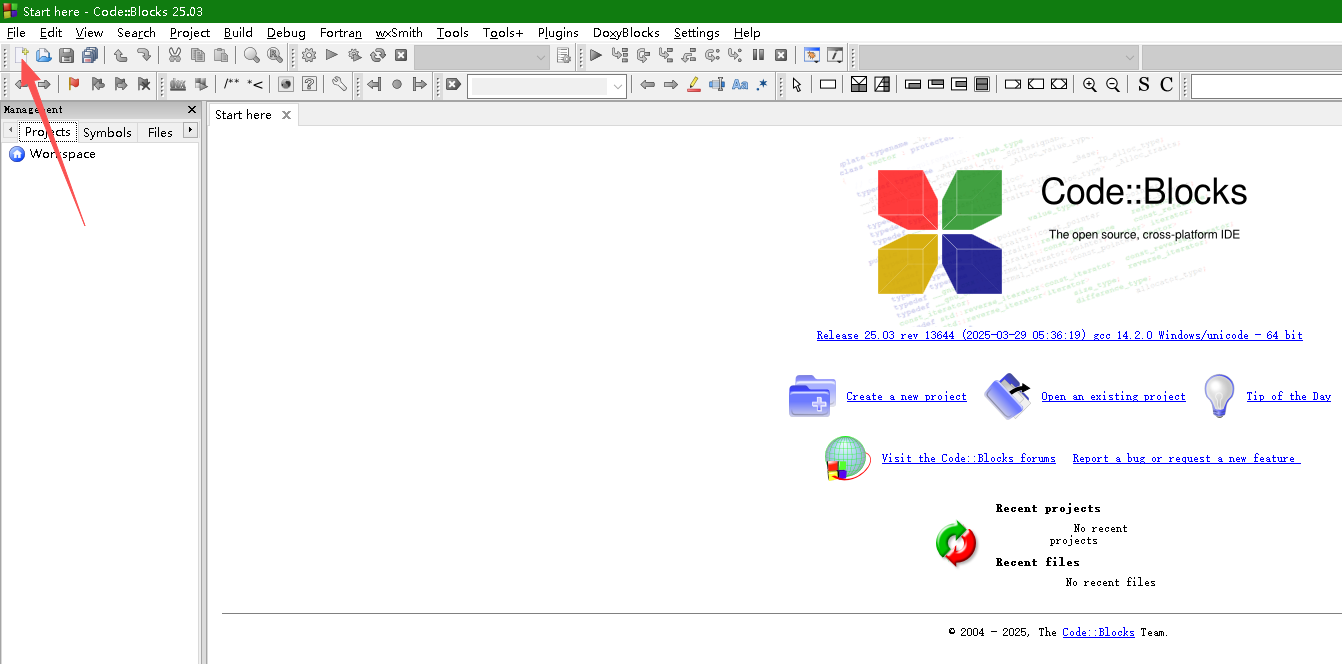
In the previous article, we briefly covered how to download Code::Blocks. This article will explain how to write a C++ program using Code::Blocks.First, launch the Code::Blocks software. Then, click on the "New File" option.
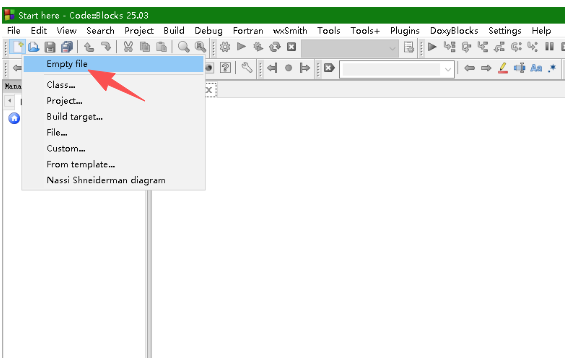
Then click on the "Empty file" option.
Then enter the following code:
#include<iostream>
using namespace std;
int main(){
    cout<<"hello world";
    return 0;
}
After entering the code, your Code::Blocks interface will look like this:
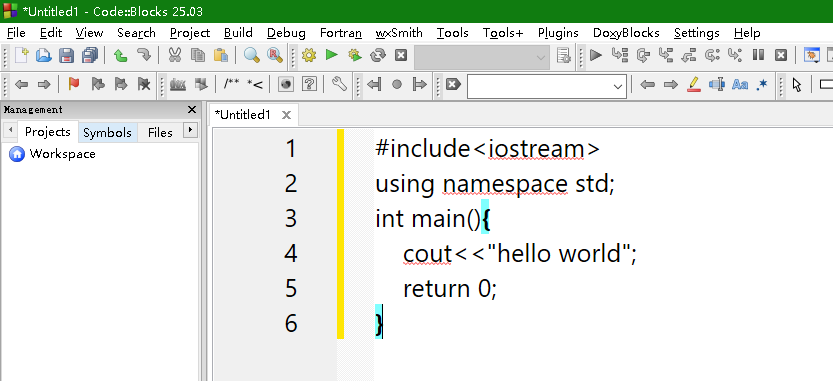
After entering the above code, go to the "Build" menu and select the "Build" option.
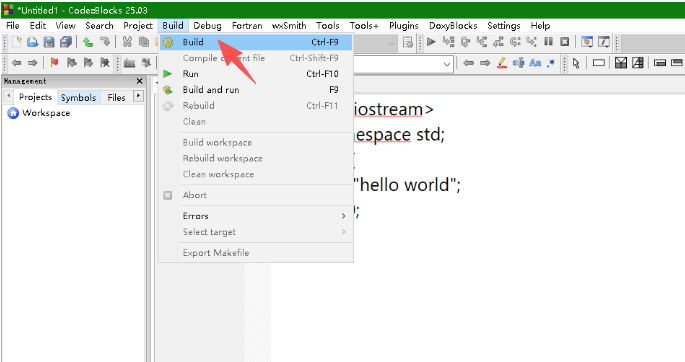
The first time you do this, you’ll need to save the file because it hasn’t been saved yet. Change the file extension to .cpp (the standard extension for C++ files) and click the "Save" button.Once the file is saved, go to the "Build" menu again and select the "Run" option.

And then you’ll see that the code runs successfully!