How to download and install DEV-C++
DEV-C++ is a lightweight, free integrated development environment (IDE) designed for C and C++ programming. It’s easy to install and use, with no complex configuration required—making it ideal for beginners. It supports standard C/C++ syntax, offers basic code editing features (like syntax highlighting and auto-completion), and includes a built-in compiler to run programs directly. Its simple interface helps new learners focus on coding rather than setup, and it works well on Windows systems. It’s widely used for learning, small projects, and practicing programming basics.
1.Download
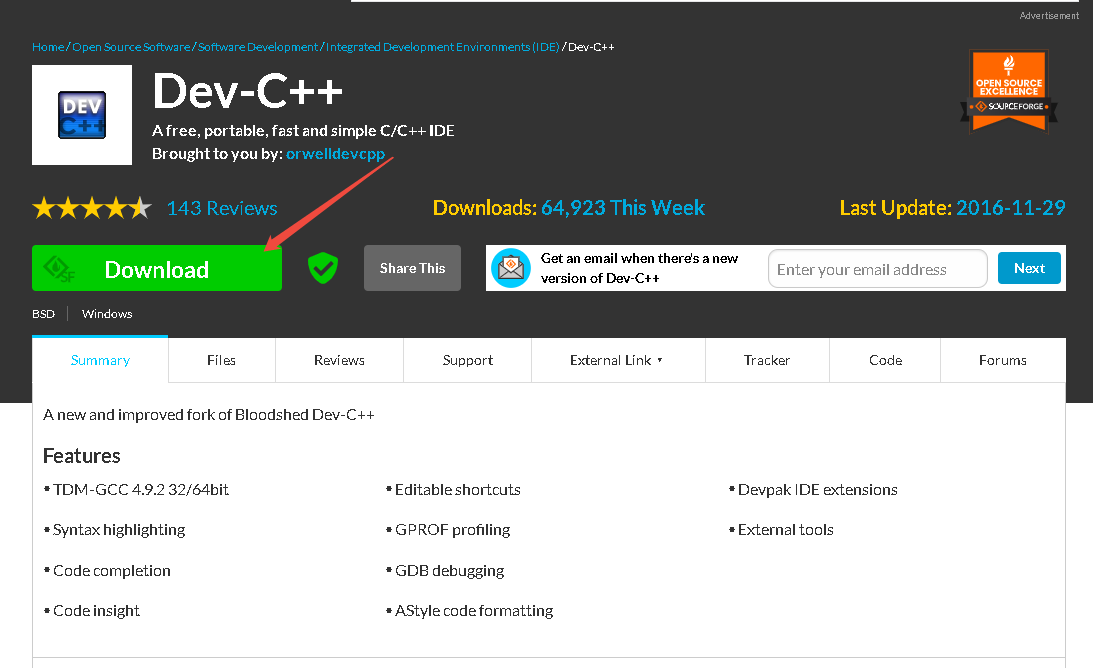
Official download address:https://sourceforge.net/projects/orwelldevcpp/
The latest version number is 5.11
We open the website and click "Download".
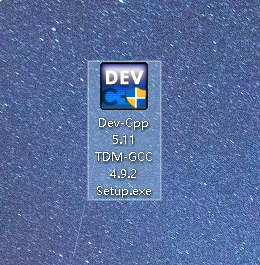
After downloading, you can see the following application.
2.Install
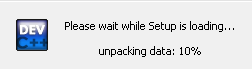
Double-click the application to see the installer running.
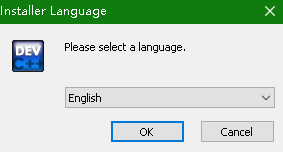
Select "English" for the language, then click the "OK" button.
Click the "I Agree" button below.
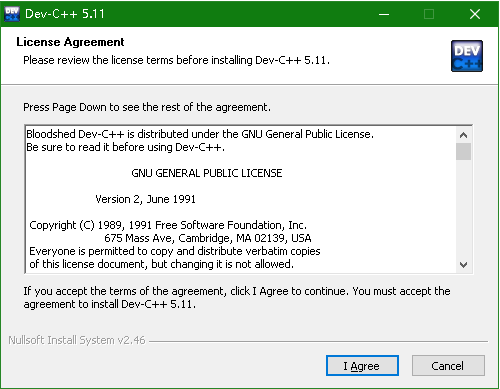
Then, click the "Next" button.
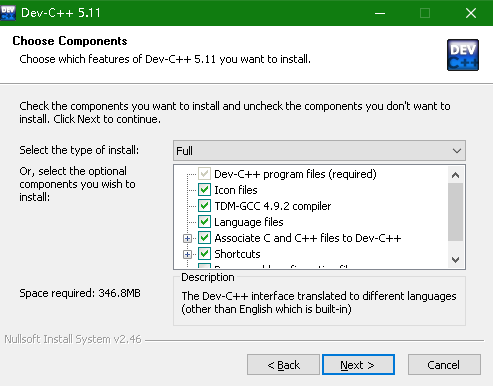
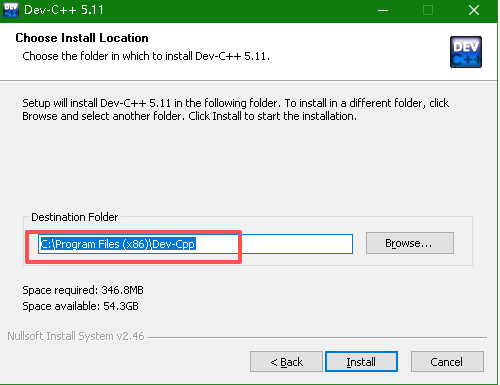
The default installation path is the C drive. You can click "Browse" to select another drive, then click the "Install" button.
Then wait for the installation to complete.
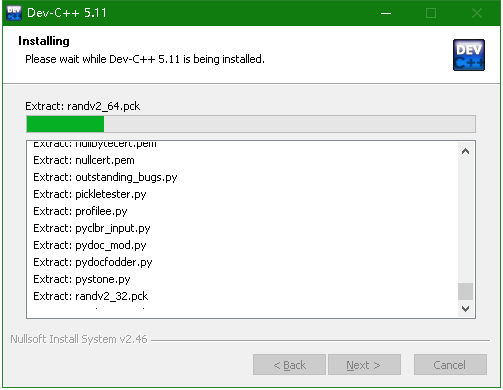
After the installation is complete, click the "Finish" button.
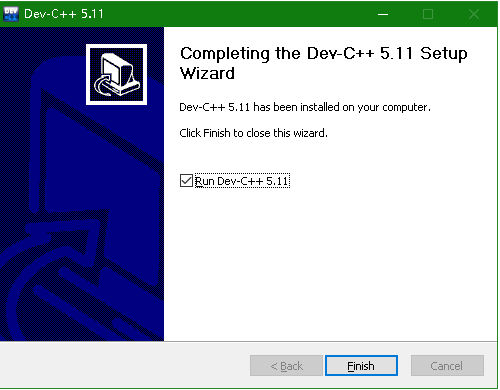
Then you can see Dev-C++ running.
