How to Download and Install Code::Blocks
Code::Blocks is a free, open-source, and cross-platform integrated development environment (IDE) for C/C++. It supports multiple operating systems such as Windows, Linux, and macOS. Its core features include being lightweight and fast, focusing purely on C/C++ development, and having built-in support for various compilers (e.g., GCC, MinGW, Clang). It is one of the commonly used tools for beginners and those learning C/C++ programming.
Official Website: https://www.codeblocks.org/
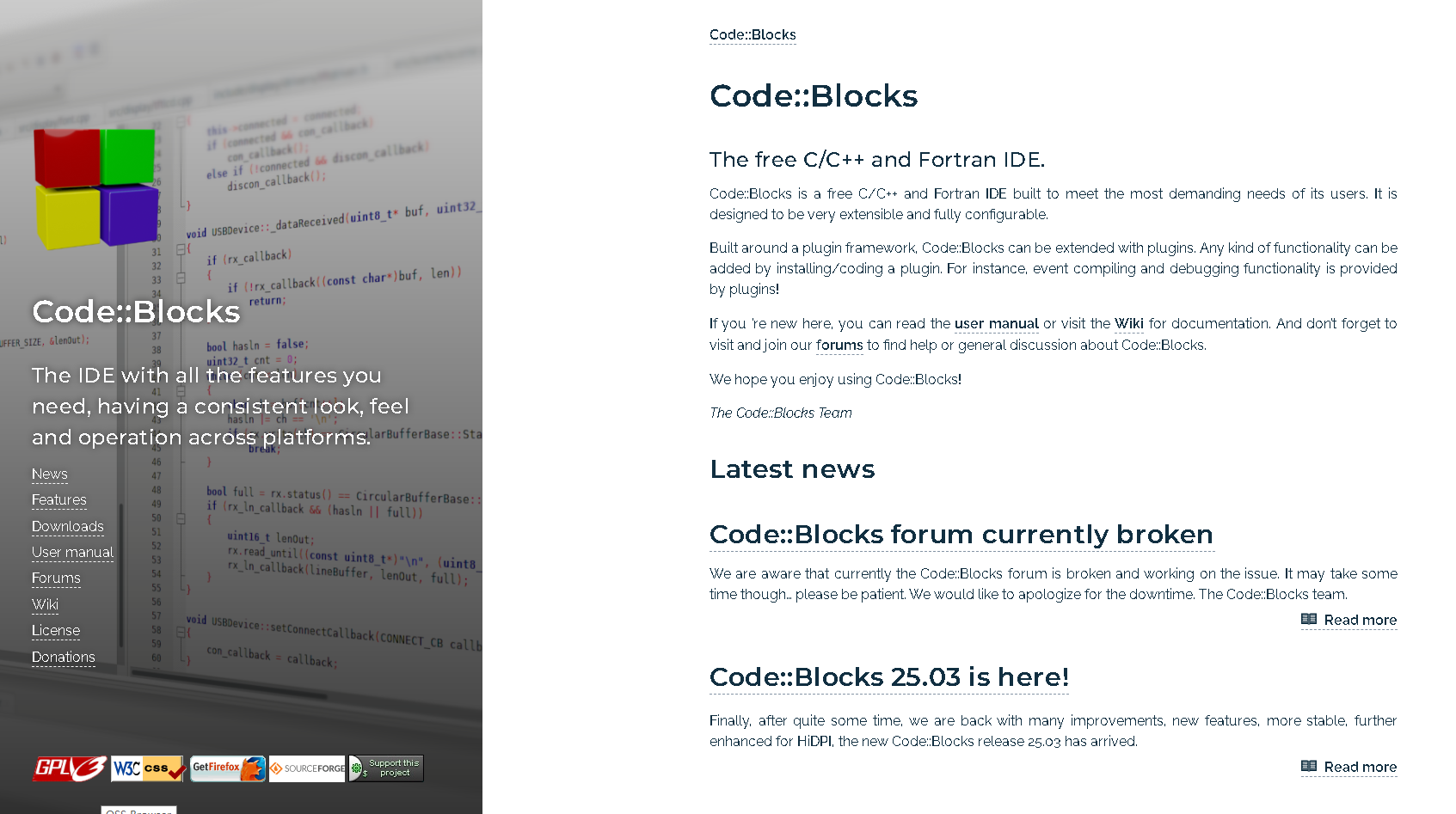
1.Download
Click on "Downloads" on the left side or visit the download link: https://www.codeblocks.org/downloads/
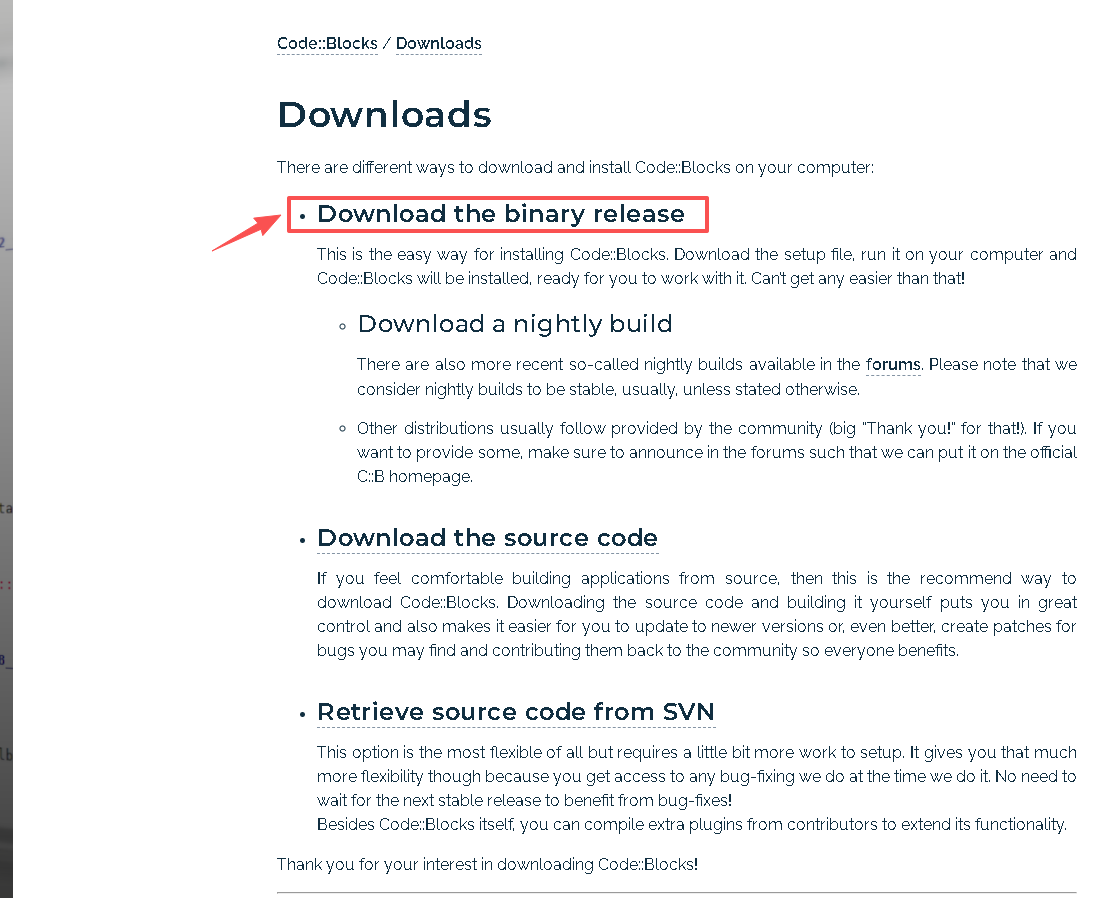
Click on”Download the binary release“
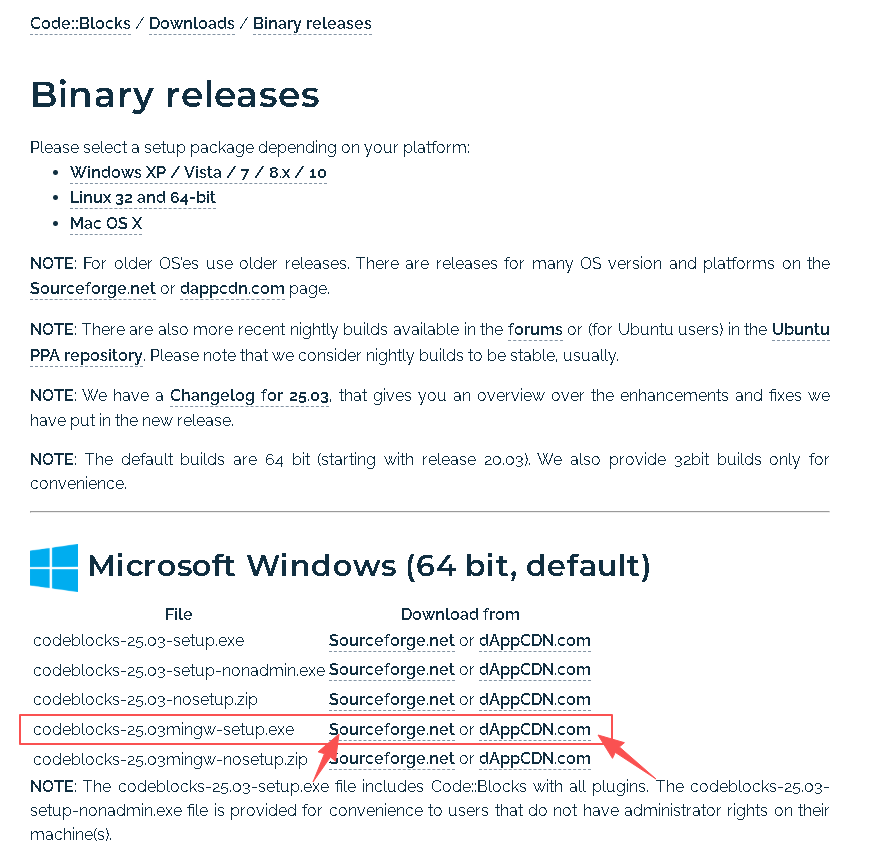
Here, select the version codeblocks-25.03mingw-setup.exe and click on Sourceforge.net to start the download.
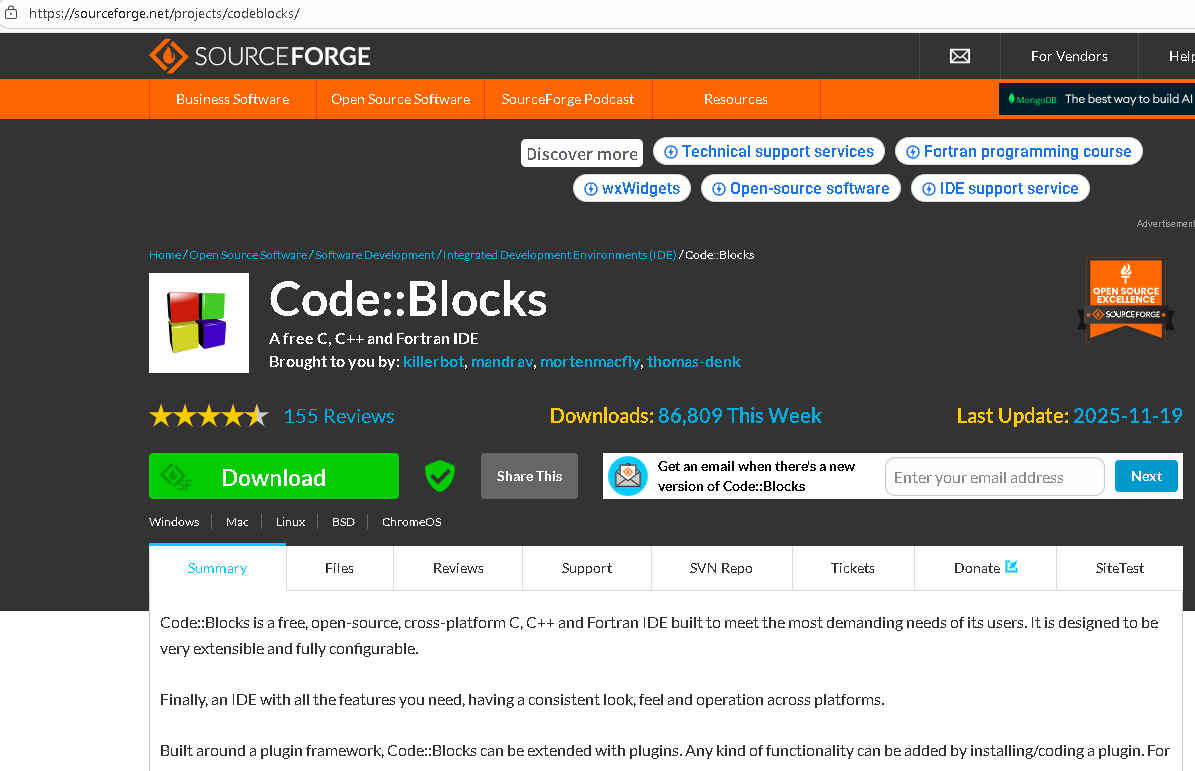
Then you will be redirected to https://sourceforge.net/projects/codeblocks/, and the download will start automatically. If the download doesn’t begin, click "Download" on the left side.
2.Install
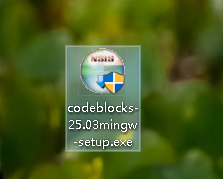
After the download completes, locate the installer file and double-click it to run the installation.
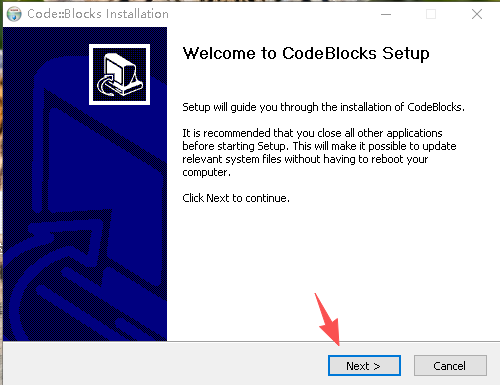
After double-clicking the installer, click the "Next" button.
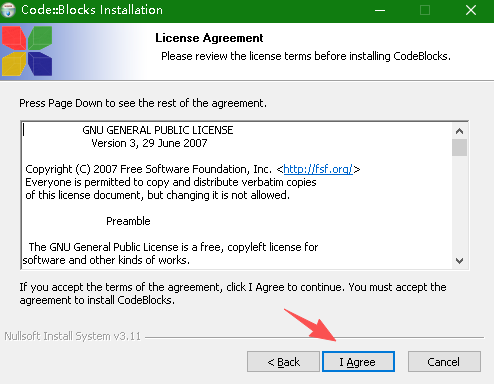
Click "I Agree" here
Click "Next" for the next step

You can select another drive letter here, then click "Install"
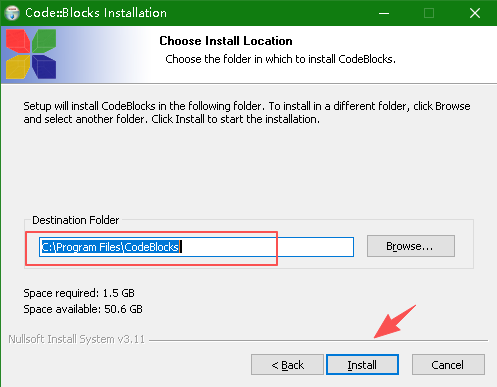
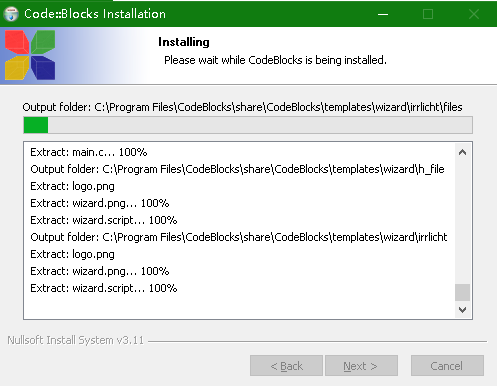
Installation Process:
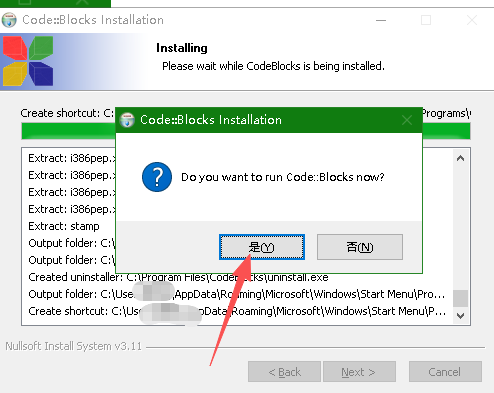
Click "Yes"
Then click "Next"
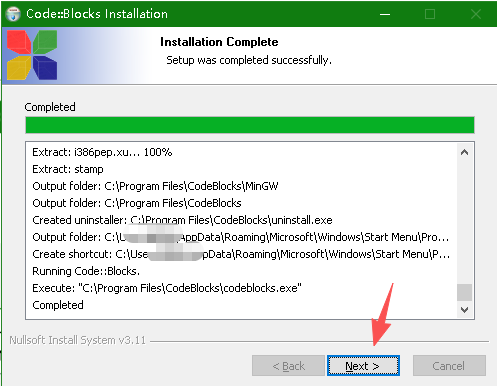
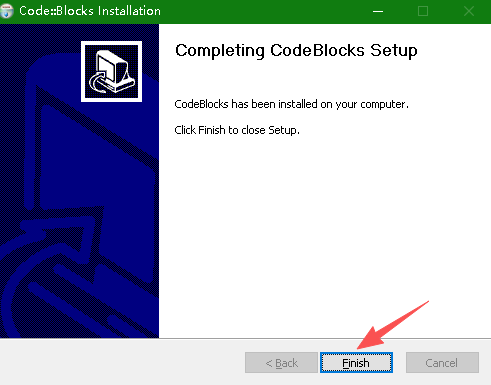
Click "Finish" for this step
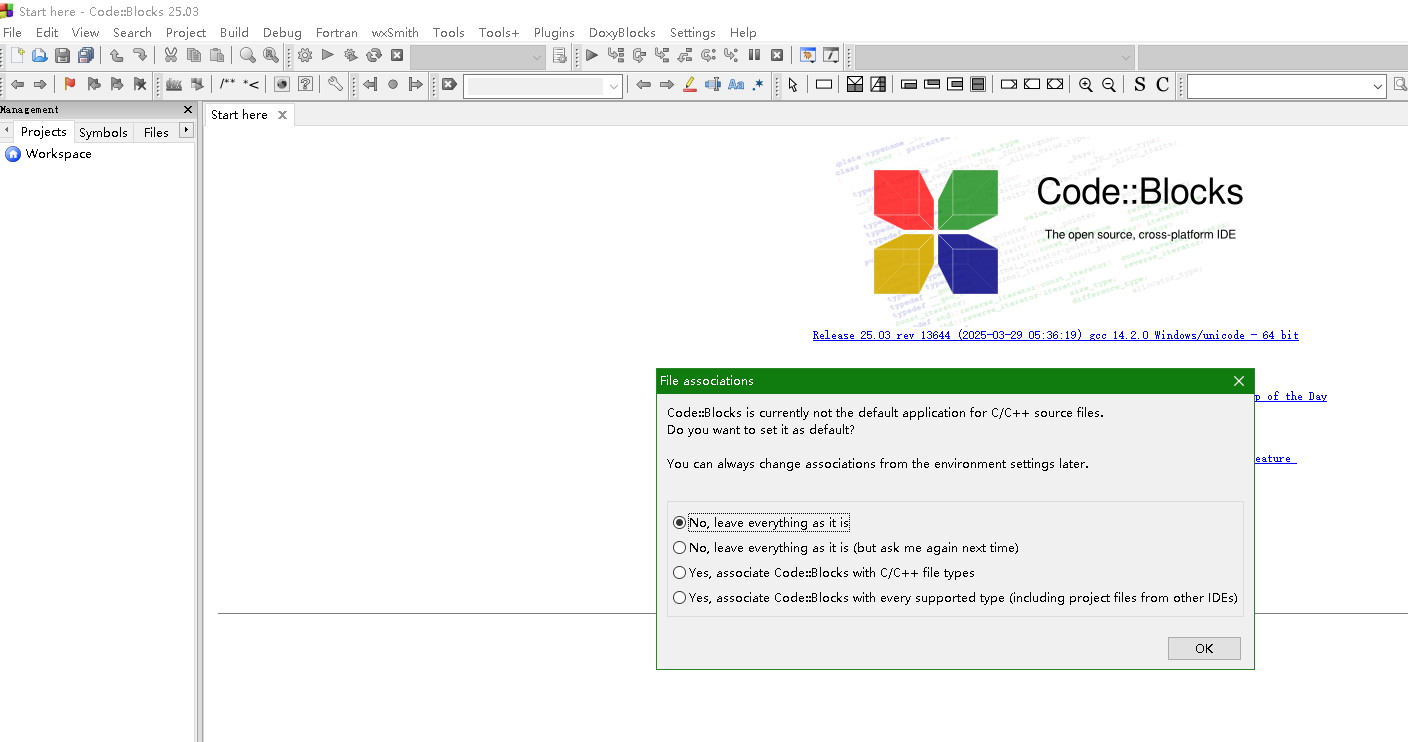
After waiting for a period of time, you will see Code::Blocks running